PIN IT ON. SWIPE UP.
OBI is a 46 mm pin with a bright AMOLED screen. It keeps track of your school day, times anything, and puts thirteen games one button away.
WHAT'S ON IT.
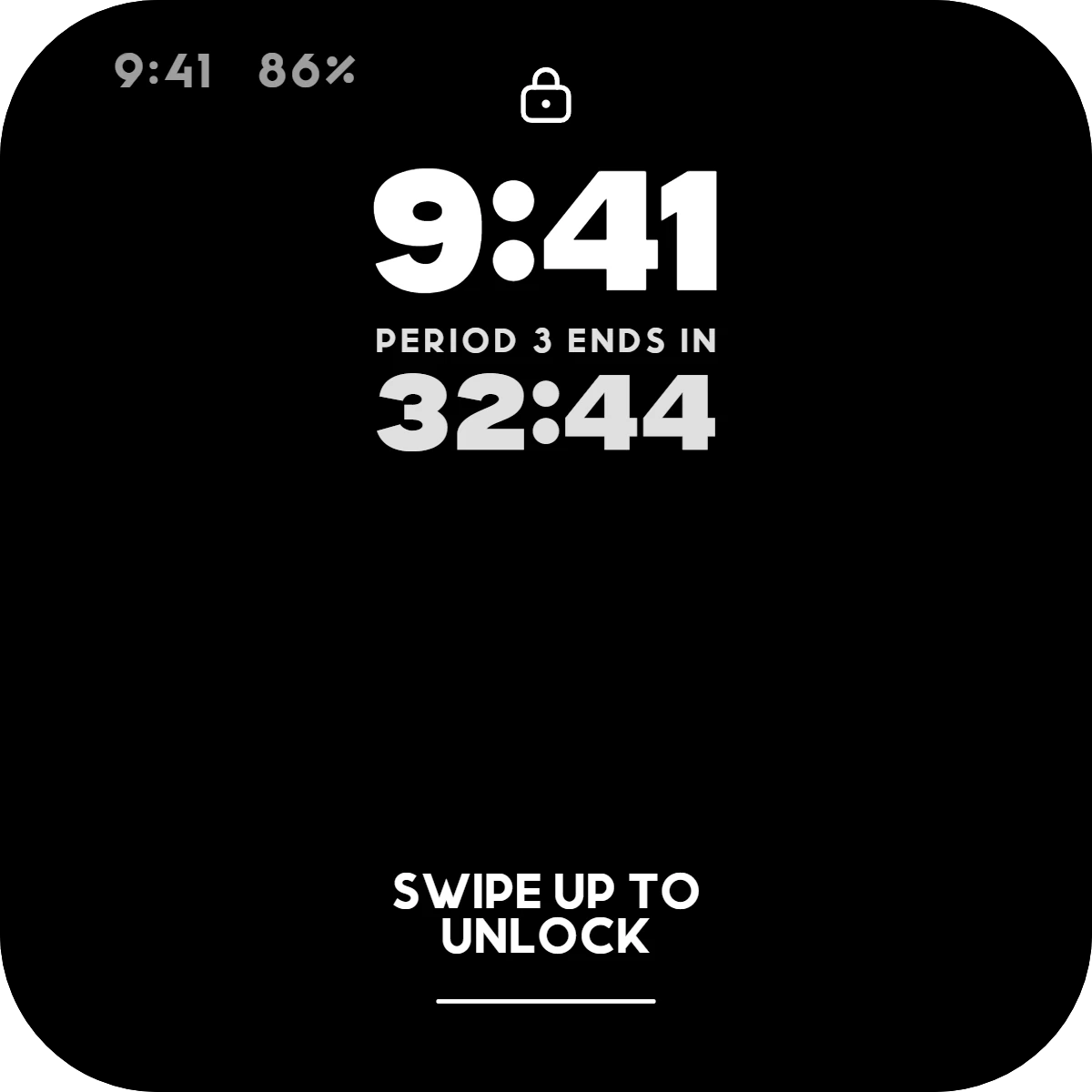
These are the pin's real screens, not mockups. Swipe up on the lock screen and this is where you land.
-
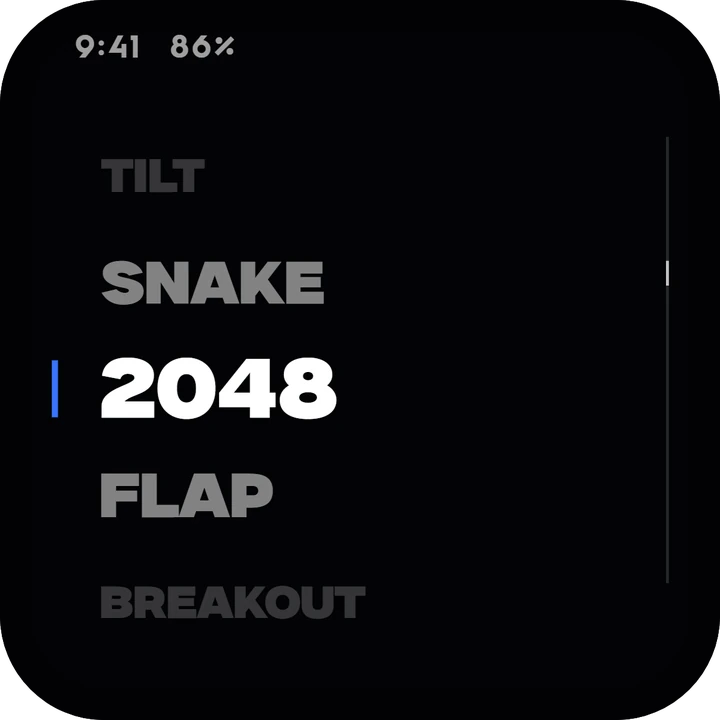
HOME
Drag through every app and game. Tap a name to open it.
-
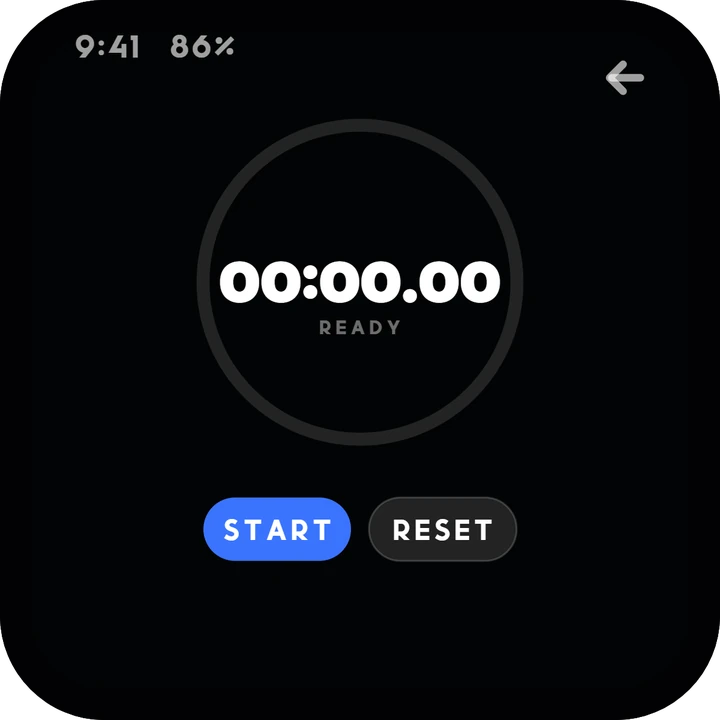
TIMER
A stopwatch to the hundredth of a second.
-
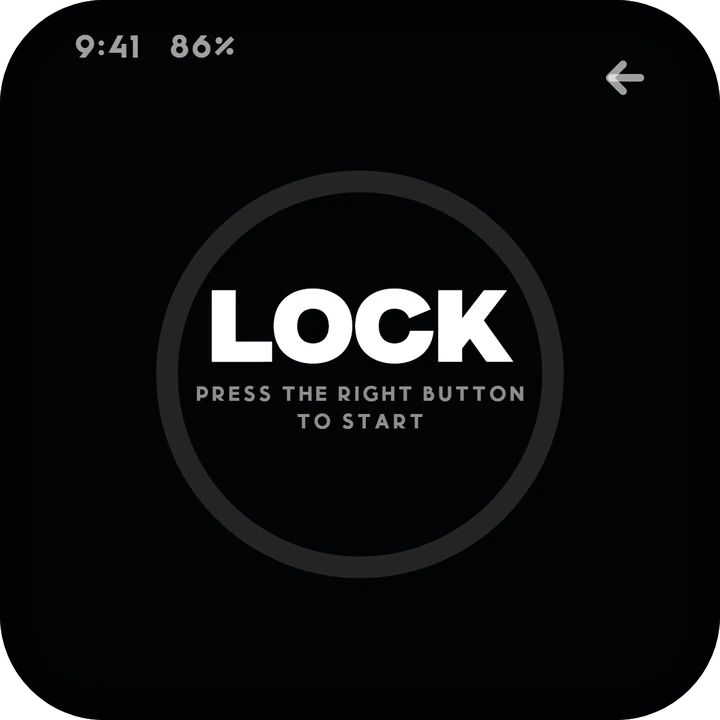
POP LOCK
A pin sweeps the ring. Press the right button while it's in the notch.
-
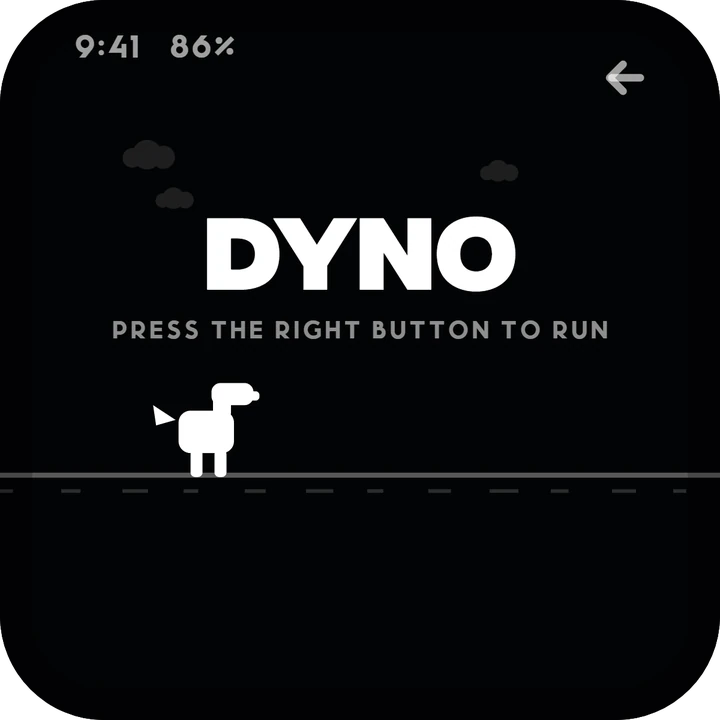
DYNO
An endless runner. The right button jumps.
-
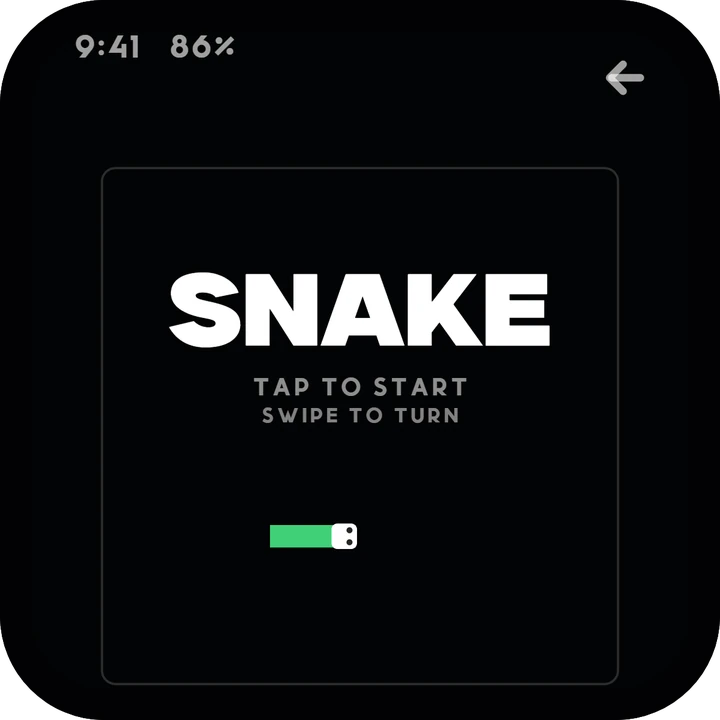
SNAKE
Swipe to turn. Keep clear of your own tail.
-
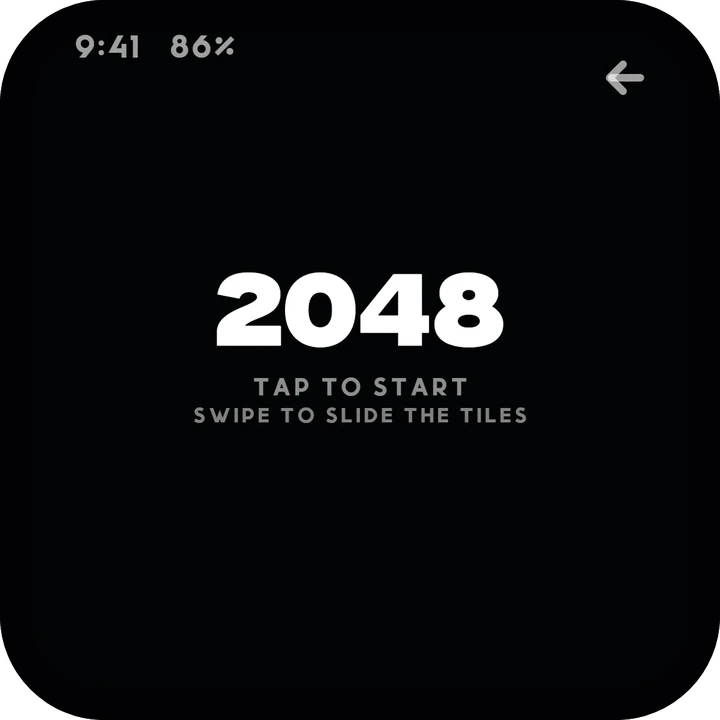
2048
Swipe to slide the tiles and merge the numbers.
ALSO ON IT
TILT, FLAP, BREAKOUT, SIMON, WHACK, REACT, STACK, PONG and DODGE, plus SIGNAL, FILES and SETTINGS. TILT and DODGE steer by tilting the pin.
KNOWS YOUR SCHOOL DAY.
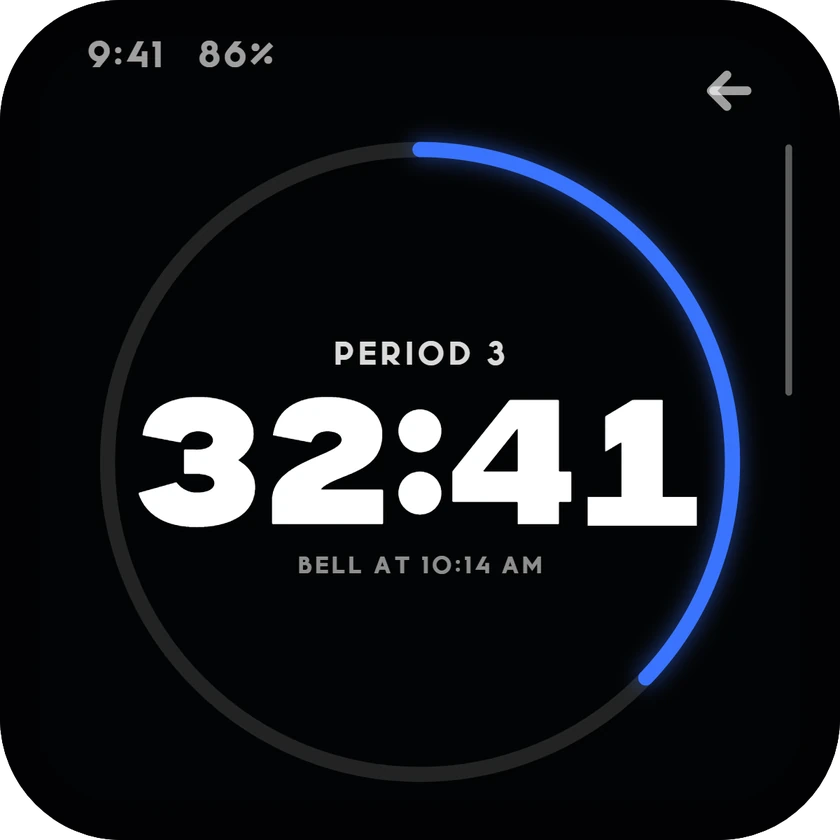
BELL counts down the period you're in, to the second, and lists the rest of the day underneath.
The lock screen keeps that countdown under the clock, so a glance is enough. After the last bell it says school's out, and at the weekend, that there's no school today.
MADE TO BE WORN.
It rides on a jacket or a bag strap, so it's picky about what counts as a touch.
-
POCKET LOCK Turn it on and the lock screen waits for a three second hold, so a pocket can't open it.
-
PALM TO SLEEP Cover the glass with your hand and the screen goes dark.
-
A TAP THAT MEANS IT A short, clean tap wakes it. A brush from a sleeve doesn't.
-
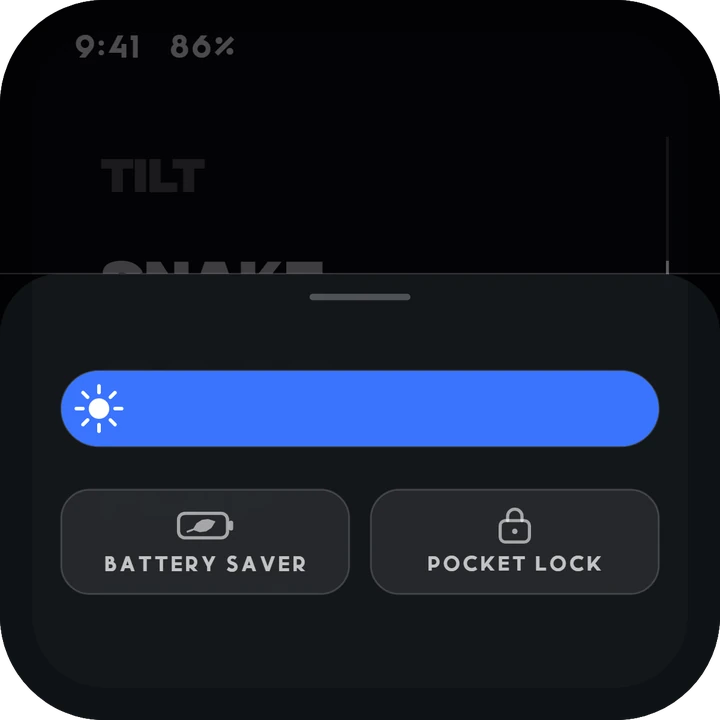
CONTROL SHEET Pull up from the bottom edge for brightness, battery saver and pocket lock.
-
TIME TO FULL On the charger, the top right shows how long until it's full.